
Supplier Invoice Control for Construction Companies
With technology, automate the checks of your supplier invoices.

In the construction sector, invoices are numerous, technical and often a source of errors. Thanks to intelligent OCR, automate their reading and verification to save time, reduce billing discrepancies and secure your purchases.
In the construction and public works sector, discrepancies between pricing conditions and invoices can reach up to 15% for some suppliers.
The Problem
- Do you notice errors in your suppliers' invoices?
- Are the rates not being respected?
- Do you spend time checking?
- Do you lack visibility on the prices you are paying?
- Do you want to know if you are paying a fair price?
Discrepancies can arise from human errors, ERP encryption errors, failure to account for your rates, and price fluctuations.
As a result, delays can occur in:
- Supply of materials
- Hardware
- Equipment and tools
- Equipment rental
- Subcontracting
- Maintenance and repair of equipment
- Waste Management
Manually checking invoices and comparing them to pricing grids is a time-consuming process prone to errors. Using a powerful OCR data extraction software can drastically reduce this burden and improve accuracy.
The Koncile Solution:A comprehensive solution for complete invoice control.
Koncile Automatically reads your suppliers' price lists Using AI and cross-references them with the Rates Applied in Your Suppliers' Invoices to verify their compliance.
In Real-Time, You Can Access Automatic Credit Requests To make direct requests with your service providers and suppliers.
- You gain access to a Complete catalog of purchased products/services, fully categorized to manage your purchases with high precision.
- You can discover benchmarking opportunities for Better Prices Between Your Suppliers for identical or similar products.
We help ensure that every invoice is correct, allowing you to save money and pay your suppliers with peace of mind.
How Does Koncile Work?

1. Connect Your ERP or Purchasing Information System to Koncile:
Invoices are automatically processed using our invoice OCR engine, which extracts detailed line-by-line data. You receive a clean, structured Excel file with no manual entry required.
2. Upload Pricing Terms:
Create your suppliers and determine what you want to control for each one. Unit prices? Environmental contribution? Upload the pricing grids and conditions to trigger the control process.
3. Easily Detect Problematic Invoices:
Your invoices are automatically reviewed and analyzed. Discrepancies with the pricing conditions are identified line-by-line in the invoices.
4. Generate and Track Your Credit Requests
Generate files detailing discrepancies and share them with your suppliers to expedite negotiations.
5. Build Your Cross-Supplier Price Catalog
Easily search for the best prices for certain products in your contracts, invoices, or supplier catalogs.
Why Choose Koncile?
Time Savings
Automating Invoice Verification allows you to focus on high-value tasks, such as project management and supplier negotiations.
Error Reduction
Our intelligent document processing technology minimizes billing errors by automatically analyzing line-level data and ensuring the accuracy of your supplier invoices.
Cost Optimization
Easily identify the best deals and optimize your purchases with detailed analyses and precise benchmarks.
Assured Compliance
Ensure the compliance of the rates applied by your suppliers, avoiding disputes and additional costs.
Book a demo now and start optimizing the management of your supplier invoices.
Content

The agents that automate your documents
Real life insights on document automation
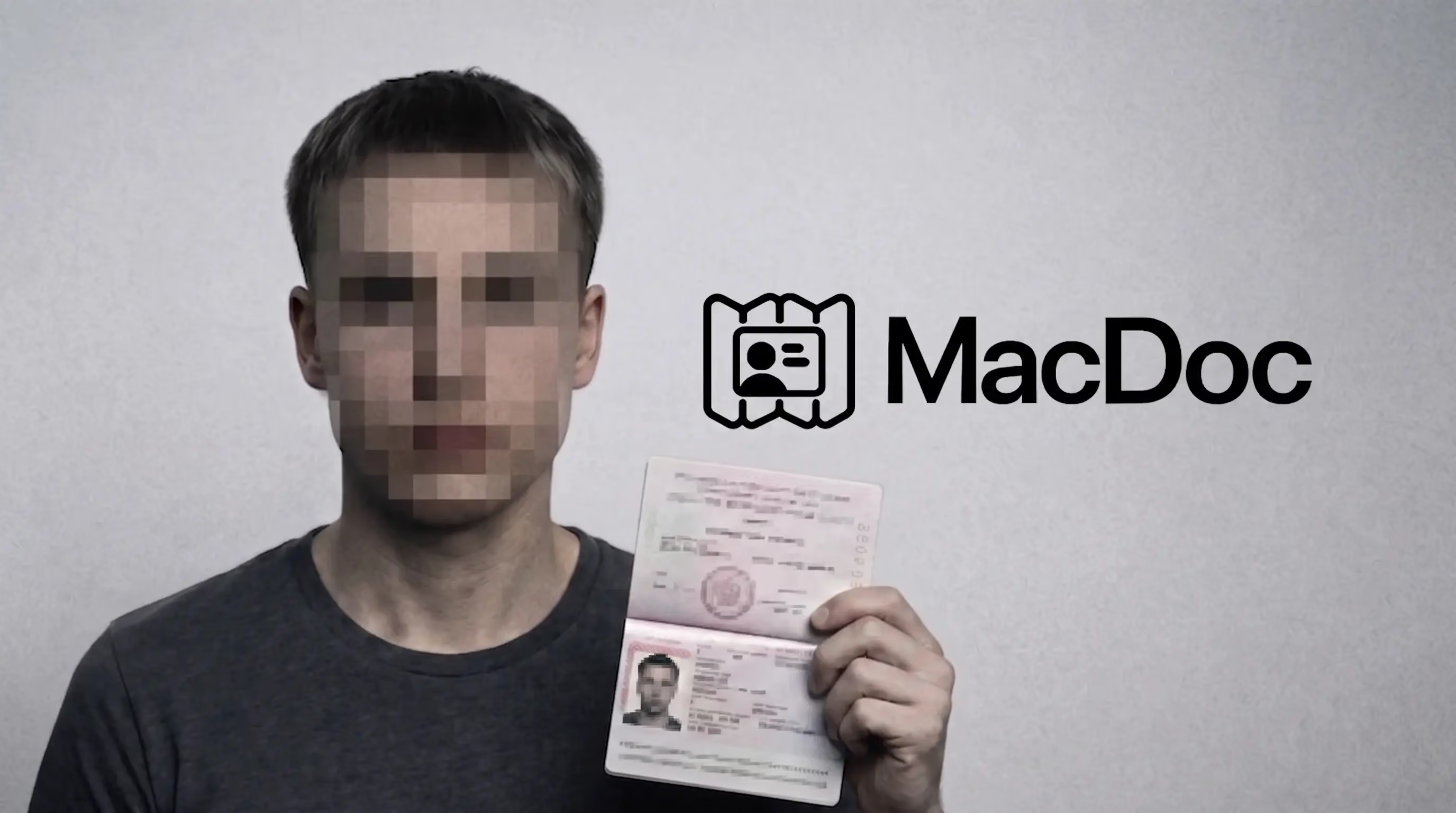
Developers launch MacDoc, an illegal fake passport generator
In February 2026, US authorities shut down OnlyFake, a widely used fake document generator. Weeks later, an identical service reopened under the name MacDoc. Its forgeries are getting past the KYC checks of major institutions including PayPal, Airbnb and Coinbase.
.avif)
Document deepfakes: catch the fakes slipping past your checks (2026)
In 2026, document fraud has a new face: the document deepfake, a fake generated entirely by AI. According to Shufti's Identity Fraud Index 2026, it's the fastest-growing fraud category, with an annualized increase estimated at nearly 3,900%. What sets these fakes apart: they're clean on the surface. Here's how to detect the ones still slipping past your checks.
Top 10 Best Document Fraud Detection Software in 2026
Document fraud has outgrown Photoshop. In 2026, the fastest-growing threat is the AI-generated fake: invoices, bank statements and payslips produced from scratch, pixel-perfect, with clean and consistent metadata. Here is our comparison of the 10 best document fraud detection software platforms every finance and risk team should know, and how to choose the right one.

5 Best French OCR Solutions to Extract Data from Your Documents
Five French OCR solutions now make it possible to automatically extract data from your invoices, contracts, and accounting documents using optical character recognition, with hosting based in France. Here's our overview.

MCP OCR: How Koncile Lets AI Agents Extract Documents Natively
Until recently, connecting an OCR engine to an AI assistant meant writing custom code, managing API calls manually, and building the glue between your language model and your document processing pipeline. With the Model Context Protocol (MCP), that entire layer disappears. At Koncile, we built an MCP OCR server so that Claude, Cursor, or any compatible AI agent can extract, read, and manage documents without a single line of integration code